
Ship Casting Off And Docking Game
Priced at RM 108.00 Per 1 Unit and Inclusive of 8% SST Tax
Hey ! Test Your Skills In The Ship Bridge ! Check out this Ship Casting Off And Docking Game Software
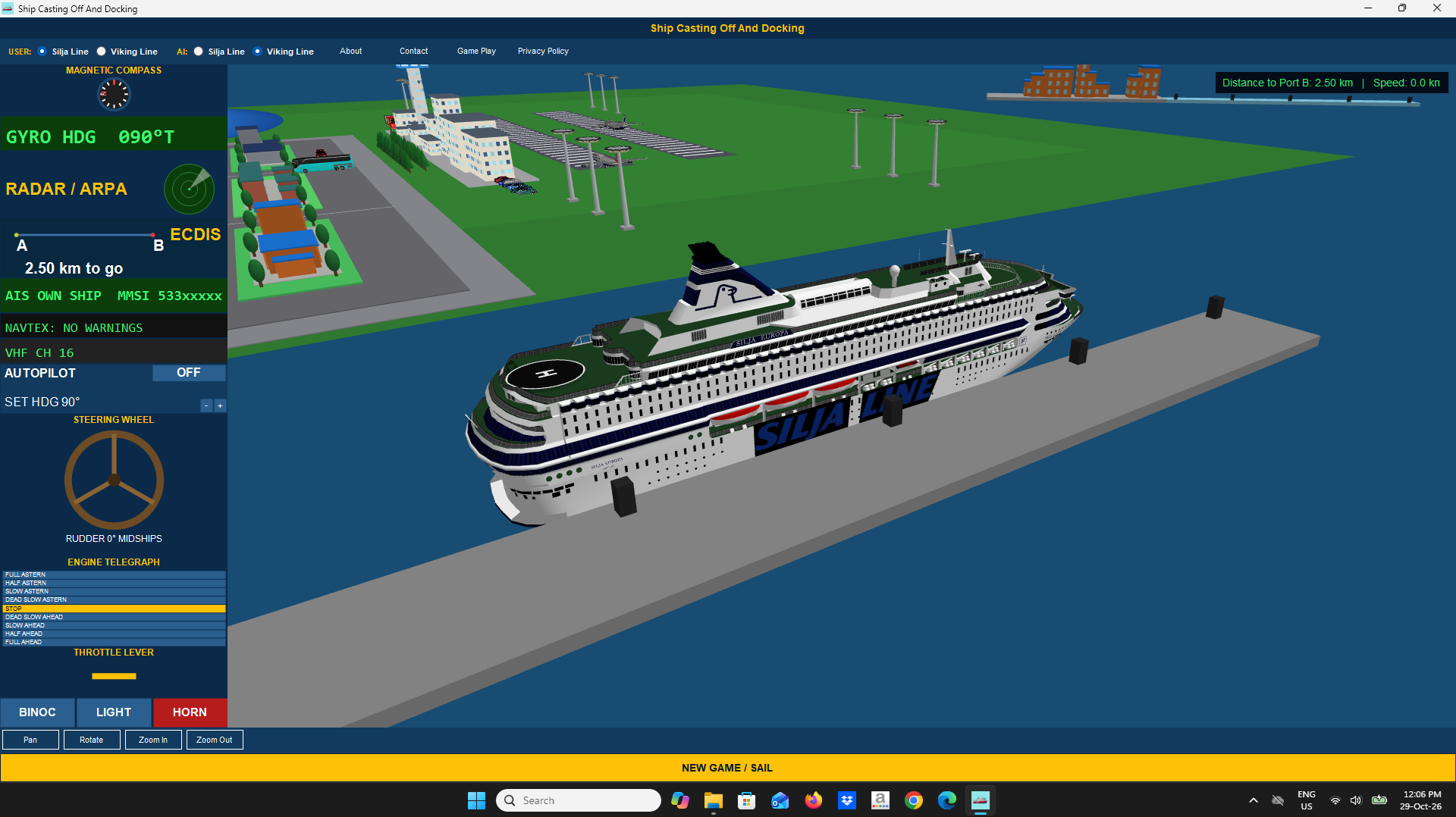
A software game where you can steer Silja Line ship, and Viking Line ship, along side with AI Controlled ship of similar ships of User Controlled ship. It is a maritime bridge-simulation game software. You control the user ship and take command of it traversing from ports to ports.
So get this software from my website and enjoy a good sailing.
Ship Models License:
3D ship models "Silja Line M/S Silja Europa (1993)" and "Viking Line M/S Europa (1993)" by FHA_studios, licensed CC-BY-4.0 (see in-software Licenses for full credit text).
THE GOAL OF THE GAME:
Cast off from Port A and sail to Port B, Port C, and/or Port D. Dock gently - a hard bump breaks and sinks the ship and you lose. A gentle, controlled docking wins the game.
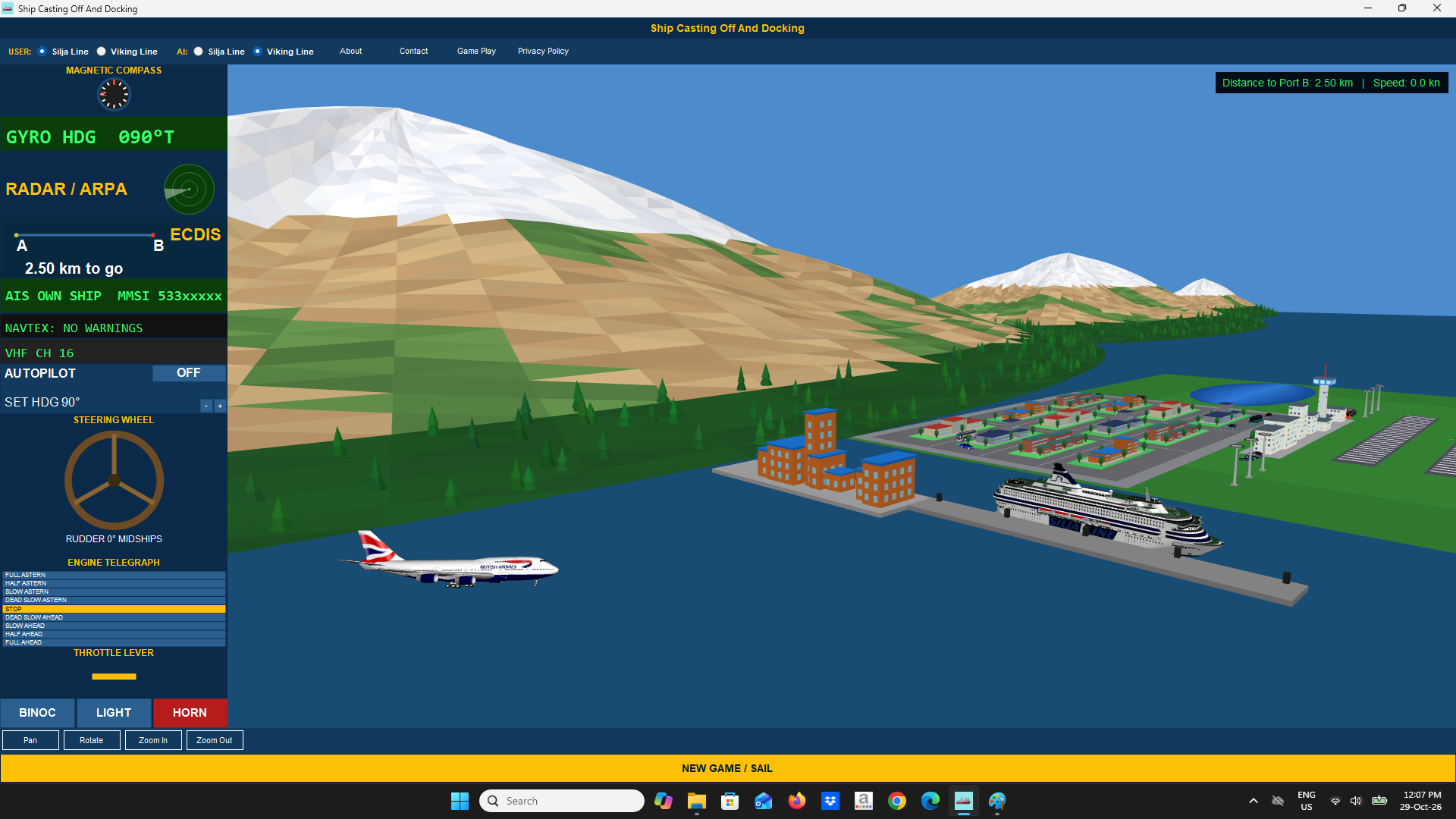
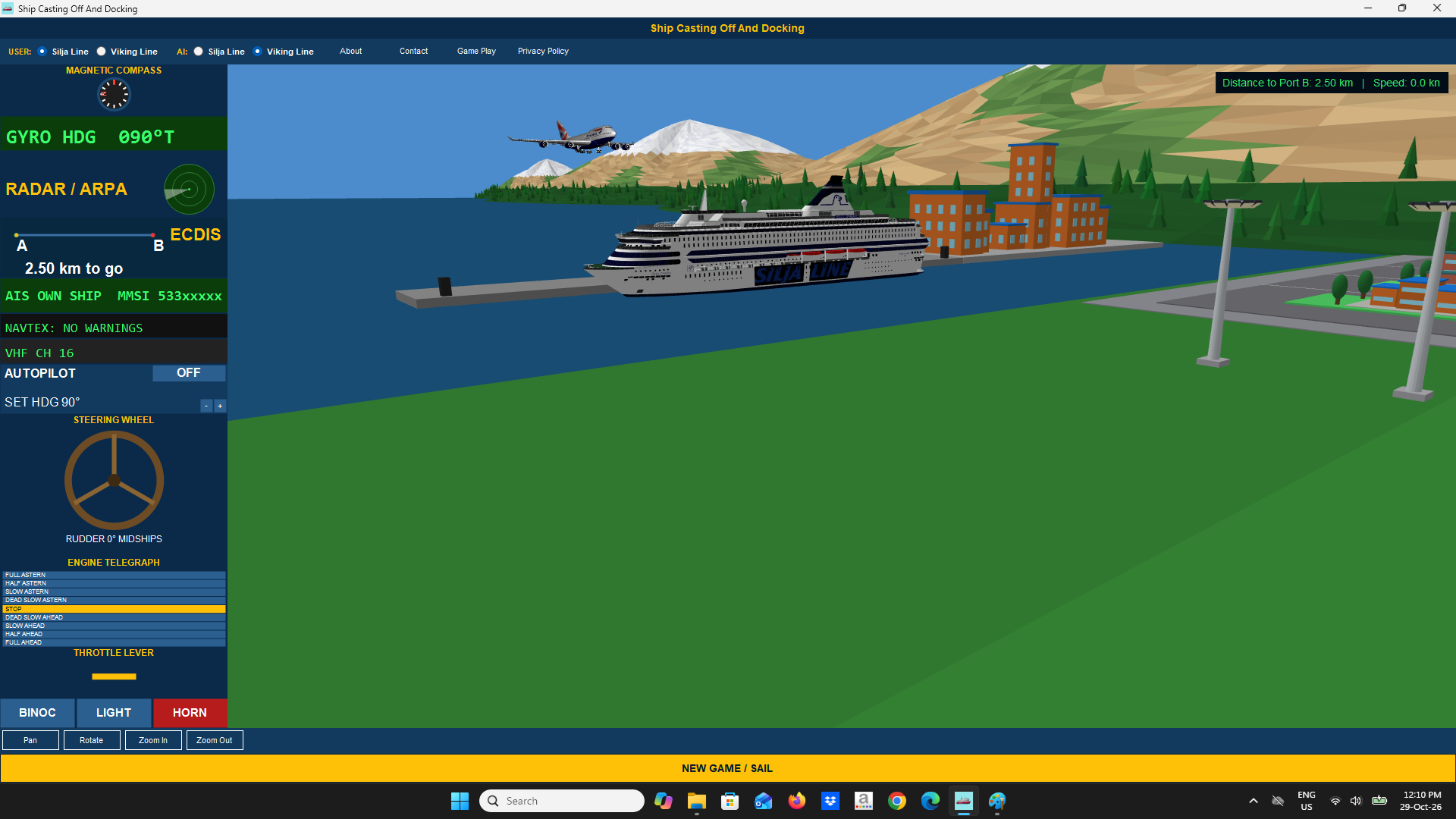
You take command of a ferry at Port A, cast off, and navigate kilometers of open ocean traversing beautiful island mountains, city, and airport sceneries using authentic bridge navigational, communication, and control instruments to reach and safely dock at other ports which are Port B, Port C, and Port D. Concurrently, there is another ship which is AI controlled that steers the ship departing from Port B and going counter clockwise to Port C, Port A, Port D, and back to Port B. The AI controlled ship will repeat this cycle of movement.
Choose your vessel - Silja Line or Viking Line - and the vessel for the AI-controlled ferry that shares the harbor, then use the compass, gyrocompass, radar, ECDIS, AIS, autopilot, steering wheel, engine telegraph and throttle to bring your ship home. Dock too hard and she will break up and sink. Dock gently and you win. If you collide with AI controlled ship there will be explosion and game is over. Game is over if your ship collides with AI ship, port buildings, pier and bollards, and ground scenery.
USER CONTROLLED / AI CONTROLLED SHIP
Use the USER CONTROLLED radio buttons to pick the ship you command, and the AI CONTROLLED radio buttons to pick the second ferry, which sails by itself (Viking Line by default). The AI ferry starts at Port B and leaves immediately. It sails counter-clockwise - Port B, Port C, Port A, Port D, back to Port B - resting 10 seconds at each port, and repeats the loop until your game ends. Keep well clear of it: if your ship collides with the AI ship, both ships explode and the game is over. If you collide with AI controlled ship there will be explosion and game is over.
CONTROLS - BRIDGE PANEL (left screen)
• Steering Wheel: drag left/right to turn the rudder. The rudder angle indicator shows current angle.
• Engine Telegraph: tap a position (Full Astern - Stop - Full Ahead) to command engine power.
• Throttle Lever: drag up/down for fine speed trim once the telegraph order is set.
• Autopilot: toggle ON and set a target heading to hold course automatically.
• Magnetic Compass / Gyrocompass: show current heading (true and magnetic).
• Radar: rotating sweep shows range rings and Port B once in range.
• ECDIS: chart plotter showing your track from Port A to Port B and your live position.
• AIS: shows your own ship target.
• GPS/Speed Log: shows position-derived speed over ground and distance remaining.
• VHF Radio: channel display for bridge communications.
• Horn: sound the ship\'s horn.
• Searchlight: toggle the searchlight for the docking approach.
• Binoculars: zoom the 3D view in for a closer look.
3D VIEW (right screen)
Shows your ship and AI ship on the open ocean including beautiful mountain, city, and airport sceneries. Use Pan, Rotate, Zoom In and Zoom Out beneath the 3D view to inspect your approach. For zooming in at User ship model, AI ship model, and AI aircrafts, just mouse double click the respective model and it will automatically zoom in on the model.
DOCKING
Slow down well before reaching any port. If your speed on contact with the dock exceeds a safe limit, the hull ruptures and explodes, the ship floods and sinks (with sound effects) and the game ends in a loss. A slow, controlled contact ends the game in a win.
Press "NEW GAME / SAIL" at any time to reset and start again.
See video below. Visit the Shop tab page to purchase.